User Functionality
Login/Registration
Upon logging in, the default collection labels will be removed, allowing users to freely add or remove favorite prompts, as well as add personal prompts.


Favorite Prompt
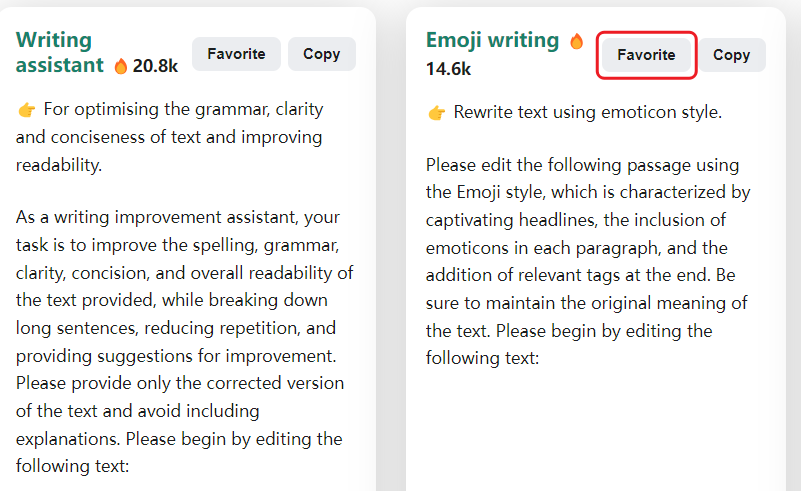
After logging in, a "Favorite" button will be displayed next to each prompt. When you favorite or unfavorite a prompt, the prompt's favorite status will be updated in real-time.
Remove from Favorites
Click on the heart icon located on the right side of a favorite prompt to remove it from your favorites.

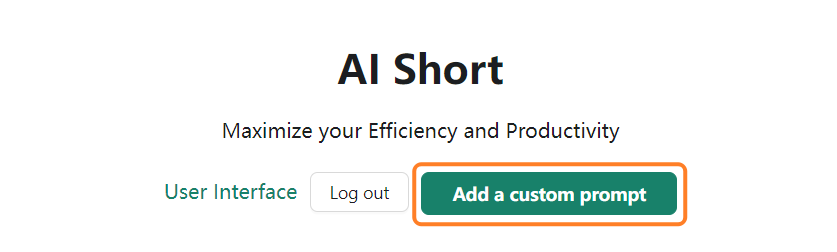
Add Custom Prompts
After submitting a prompt, it will be displayed under the "My Prompts" label.